



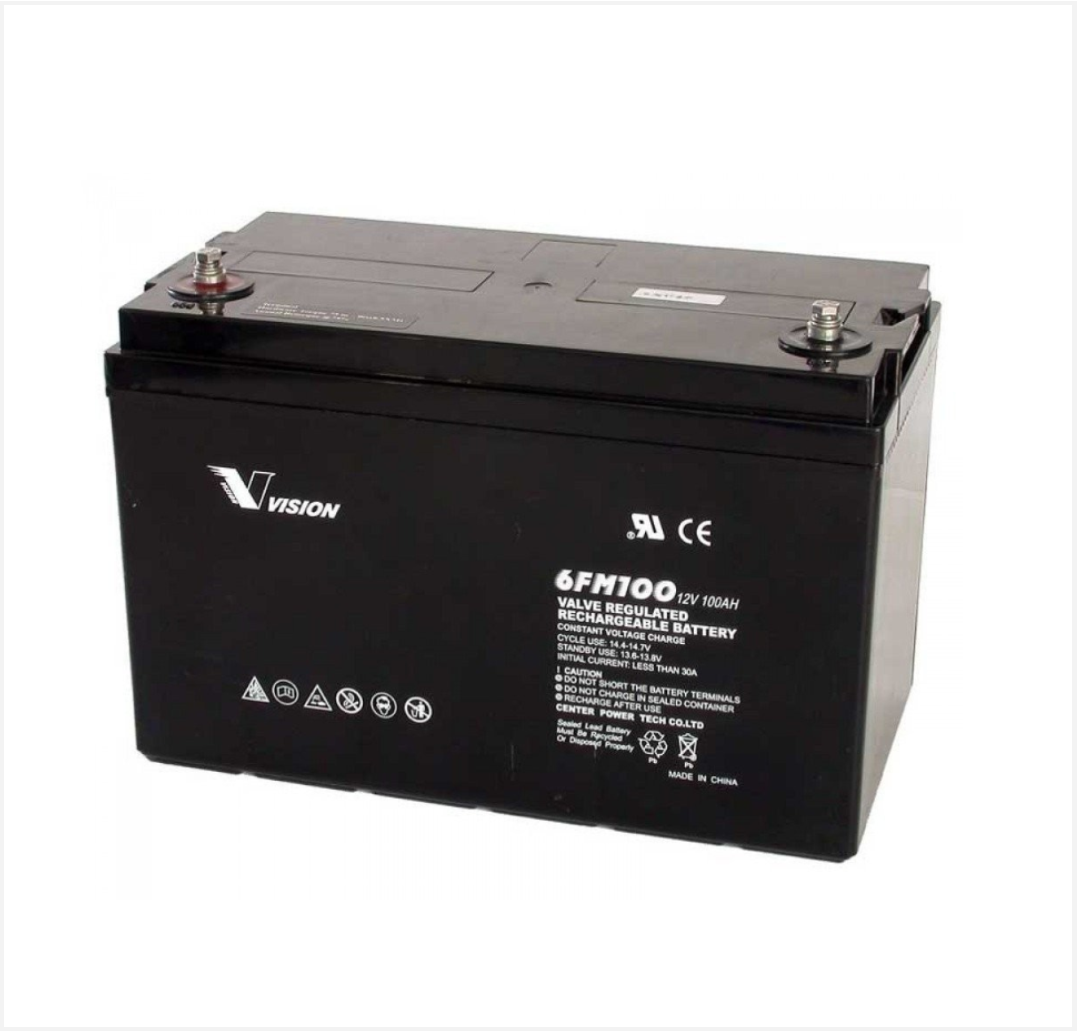
 Battery
 Battery Box
 Inverters
 Inverters With Batteries
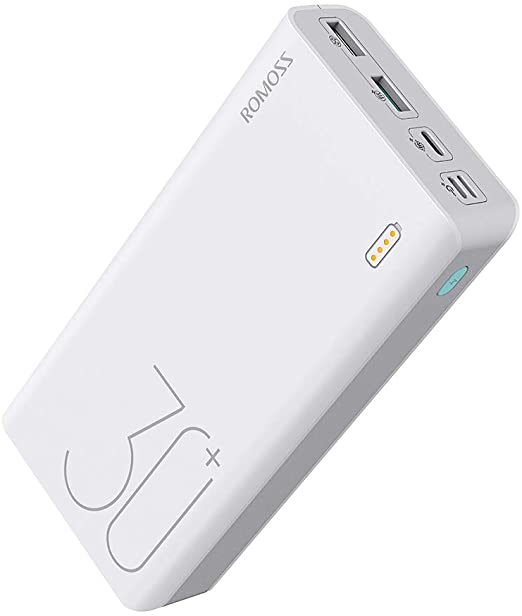 Powerbank
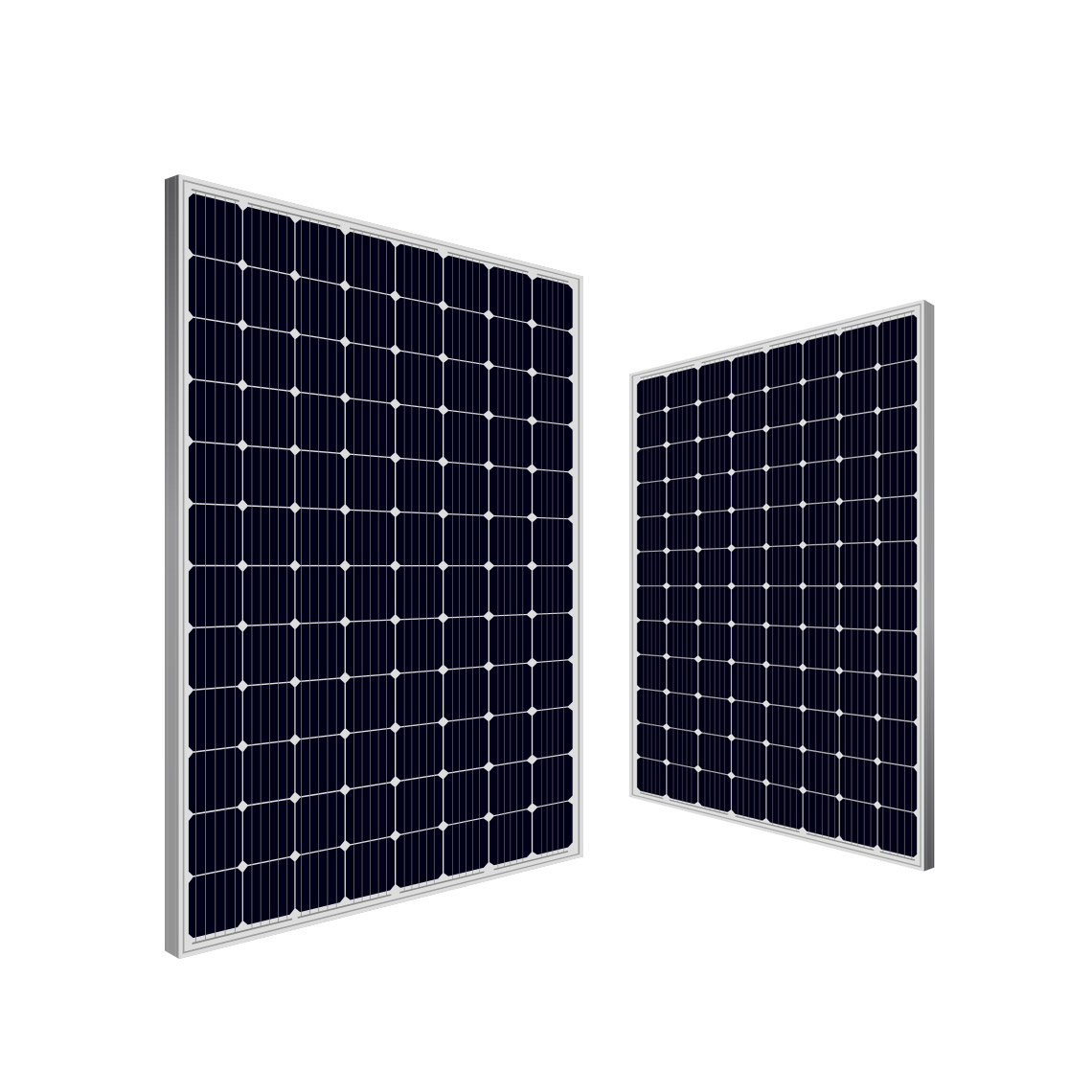 Solar panel
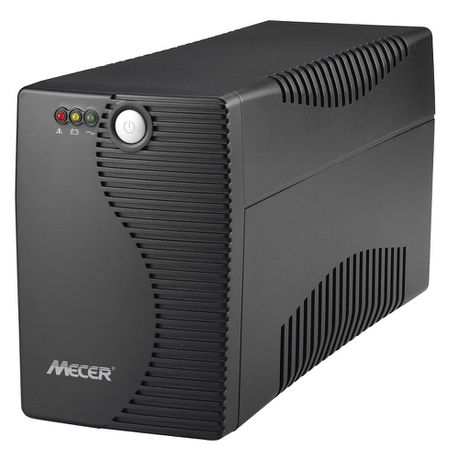 Ups
Ups

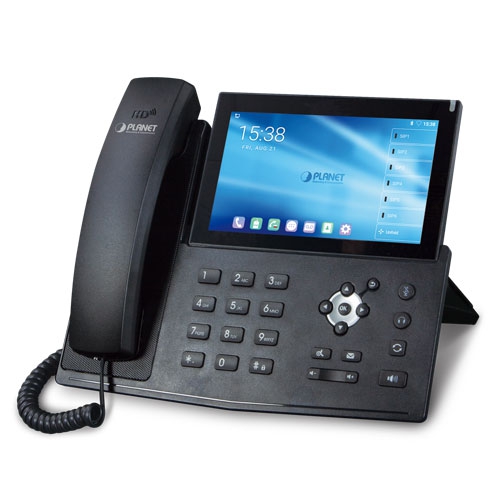 IP Phone
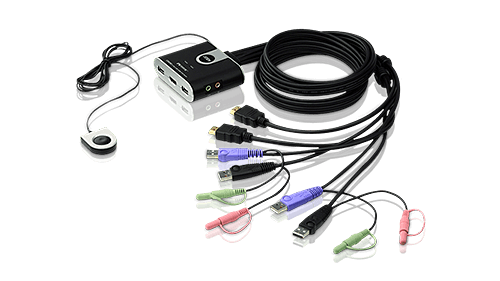 KVM Products
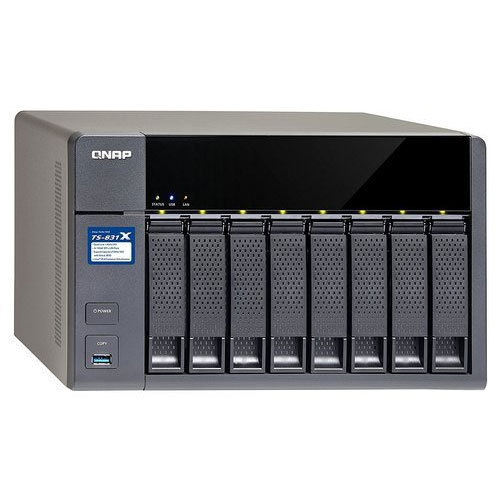 NAS Storage
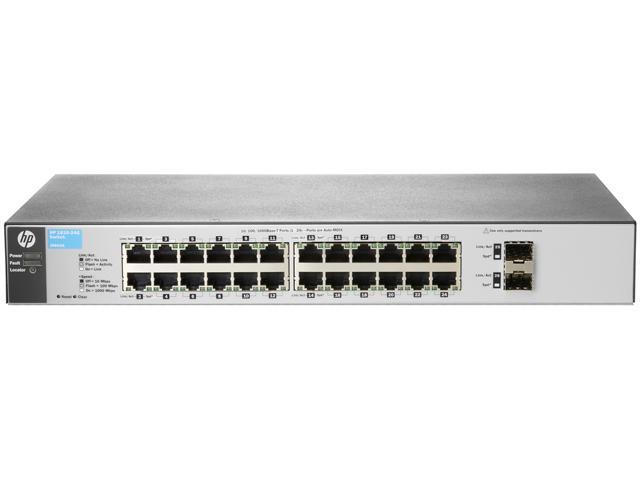 Network Switch
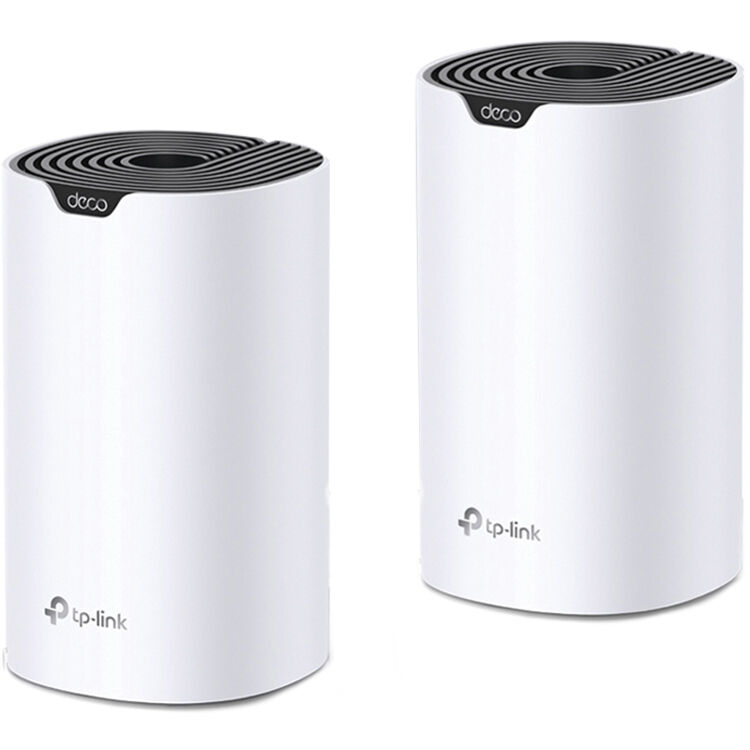 Network Wireless
 Routers 3G|4G|LTE
 Routers WiFi
 Routers ADSL|VDSL

 Software Office
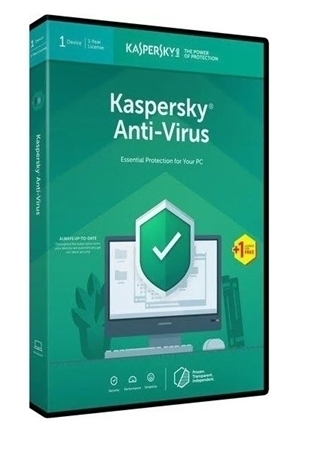 Antivirus
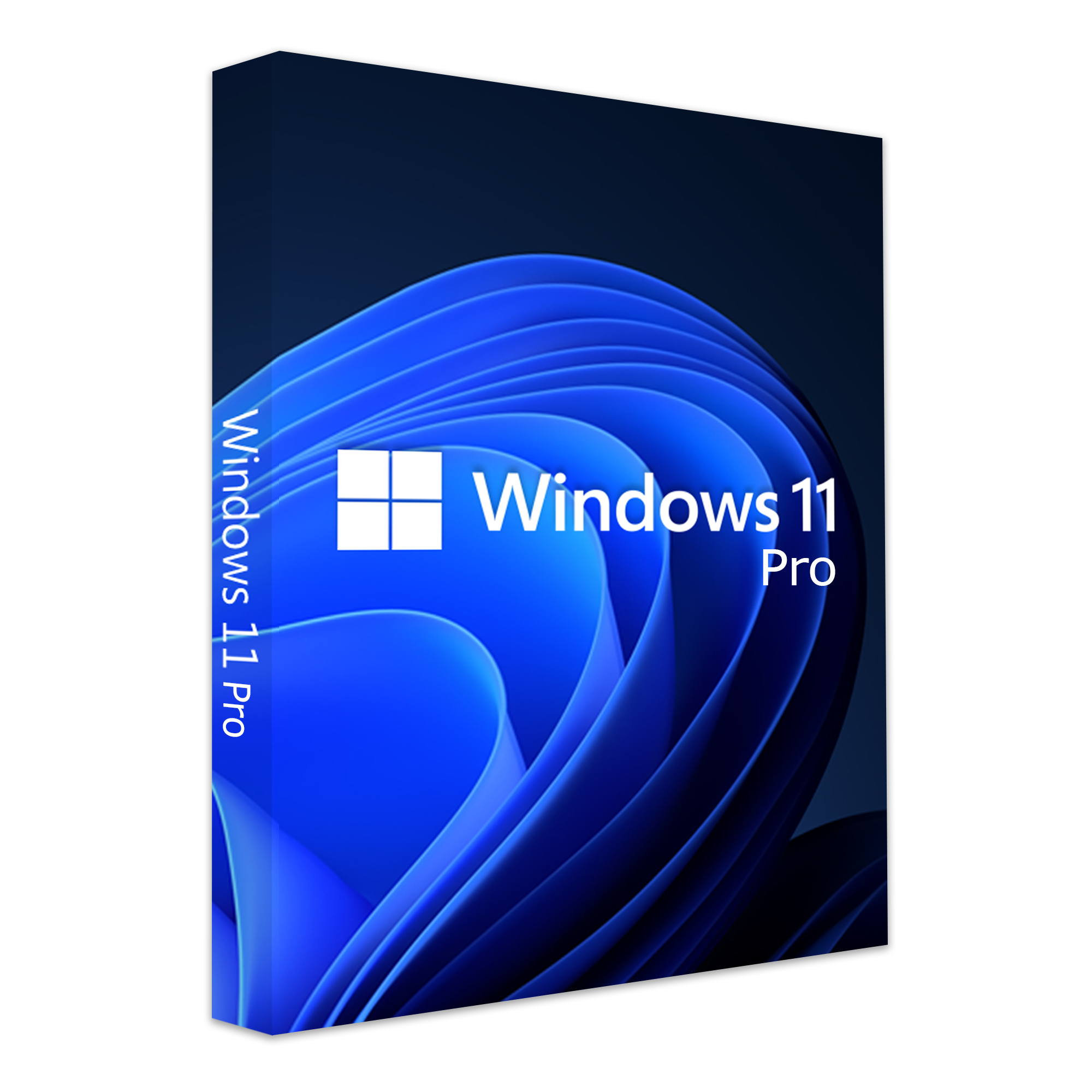 Software Operating System
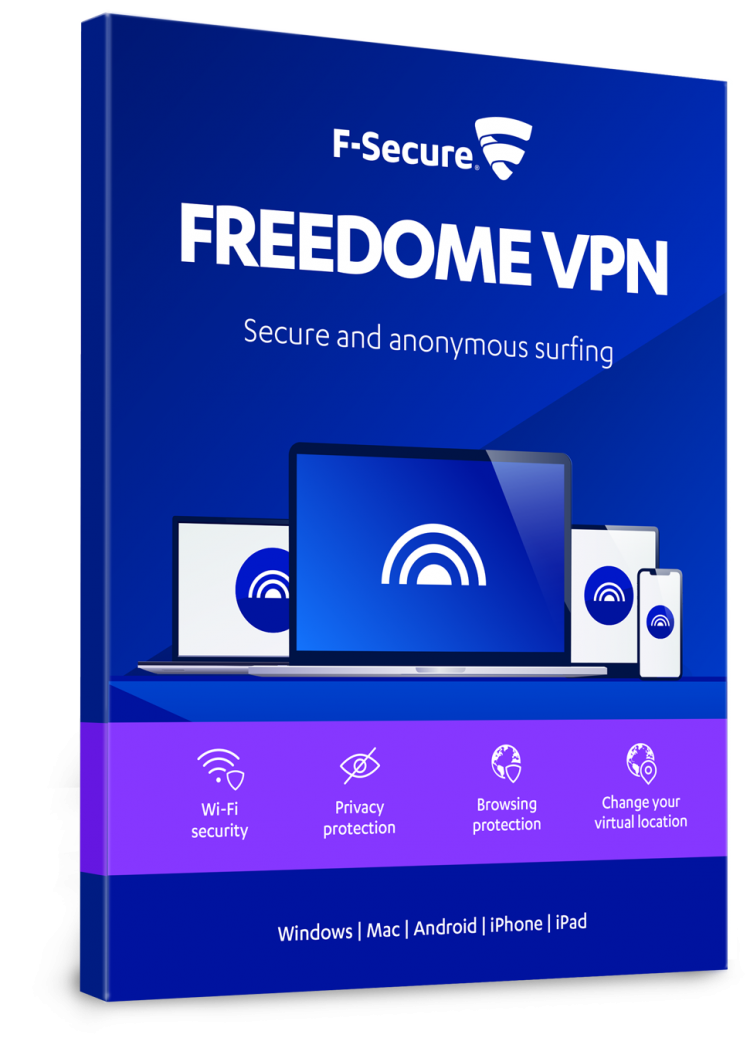 Software Other


J5 JUC501 u->c wormhole switch
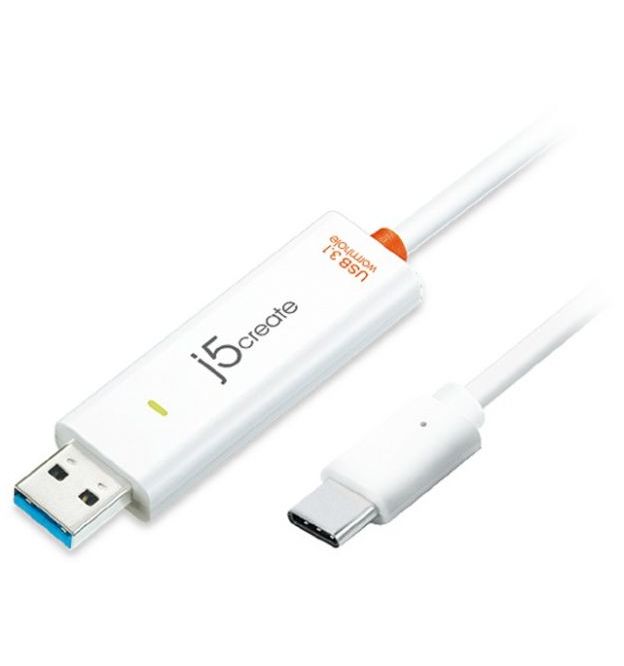


JUC500 USB? 3.0 Wormhole Switch
Share, backup and transfer allÿof your files!
The JUC500 USB? 3.0 Wormhole Switch gives you the capability to drag-and-drop as well as copy-and-paste, quickly transferring or sharing data, graphics, music, videos or other files between Windows© and Mac© computers. This Wormhole Switch supports multi-display environments and also lets you share the keyboard and mouse between devices. Why type on a tablet when you can plug the Wormhole into a larger laptop or desktop and access a full-sized keyboard and mouse? Simply switch the mouse cursor to the computer screen you want to work on. In addition, this pocket-sized cable allows you to have this powerful functionality anywhere you go.
General | |
Host Interface | USB? 3.0 Male Type-A Connector |
Operating System Support | Windows© 10 / 8.1 / 8 / 7 / Windows Vista? / XP |
Max Line Rate | Up to 5Gbps (625MB/s) |
Power | |
Power Mode | USB? Bus-powered |
Power Consumption | 150 mA |
LED Link Indicator | Active Flash on Both Sides (Blue) |
Physical | |
Housing Material | ABS (Plastic) |
Dimensions | Main body: 57.5 (L) x 18 (W) x 10 (H) mm |
Cable Length | Approximately 1.8m |
Weight | Approximately 34.8g (including 1.8m cable) |
ÿ
System Requirements
Windows©
- OS: Windows© 10 / 8.1 / 8 / 7 / Windows Vista? / XP (USB? 3.0 host not supported)
- Available USB? port (USB? 3.0 is recommended)
- Using USB? 3.0 host: install additional host driver for Fresco? FL1000/FL1009
- Using USB? host not supported: Asmedia?, Etron? 168/188, Via 801/Via 805
- CPU: Intel© Pentium© IV processor
- RAM: 1 GB RAM or higher
- Hard disk capacity: at least 100 MB
ÿ
Mac©
- macOS© 10.10 or later
- Available USB? port (USB? 3.0 is recommended)
- CPU: Intel© Pentium© IV processor or later
- RAM: 1 GB RAM or higher
- Hard disk: space requirement of at least 100 MB
ÿ
iPad©
- USB? Connection Kit
ÿ
Package Contents
- JUC500 Wormhole Switch?
- User manual