



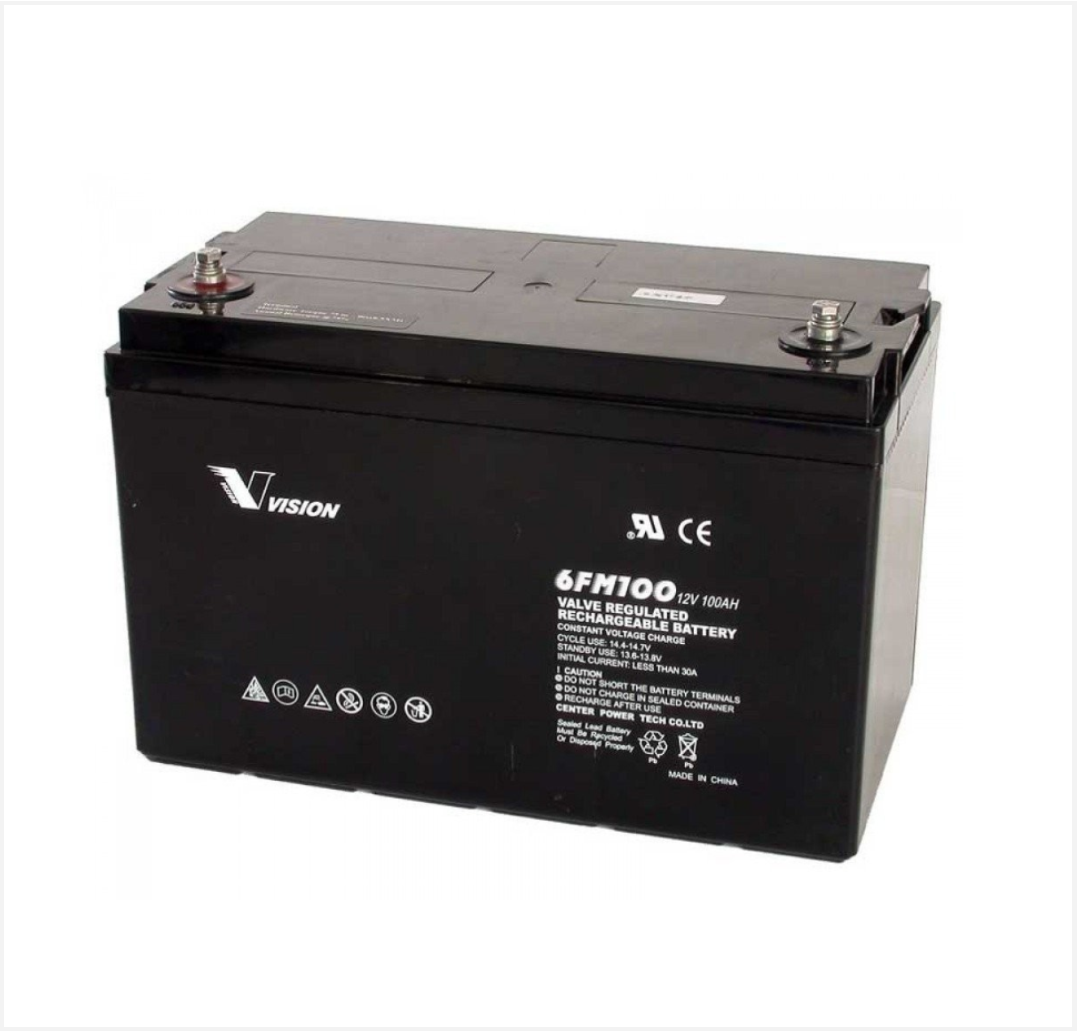
 Battery
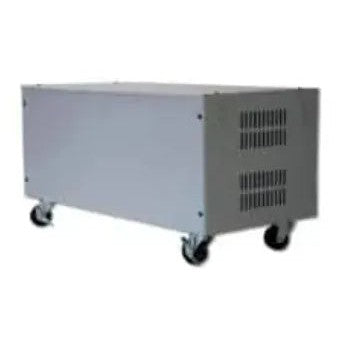 Battery Box
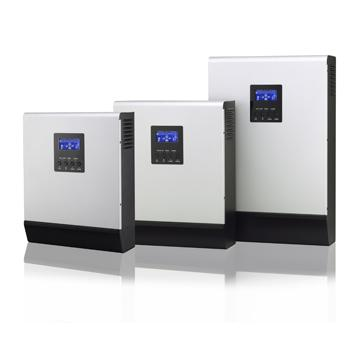 Inverters
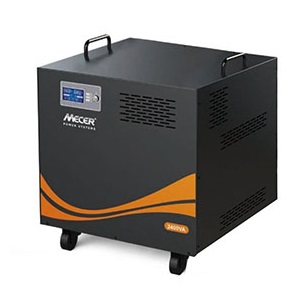 Inverters With Batteries
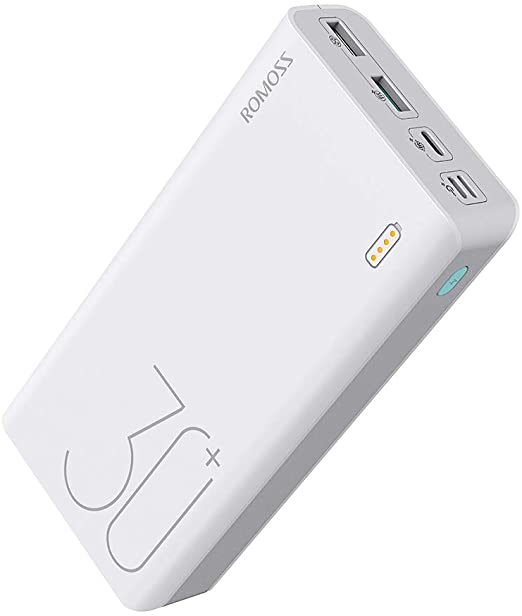 Powerbank
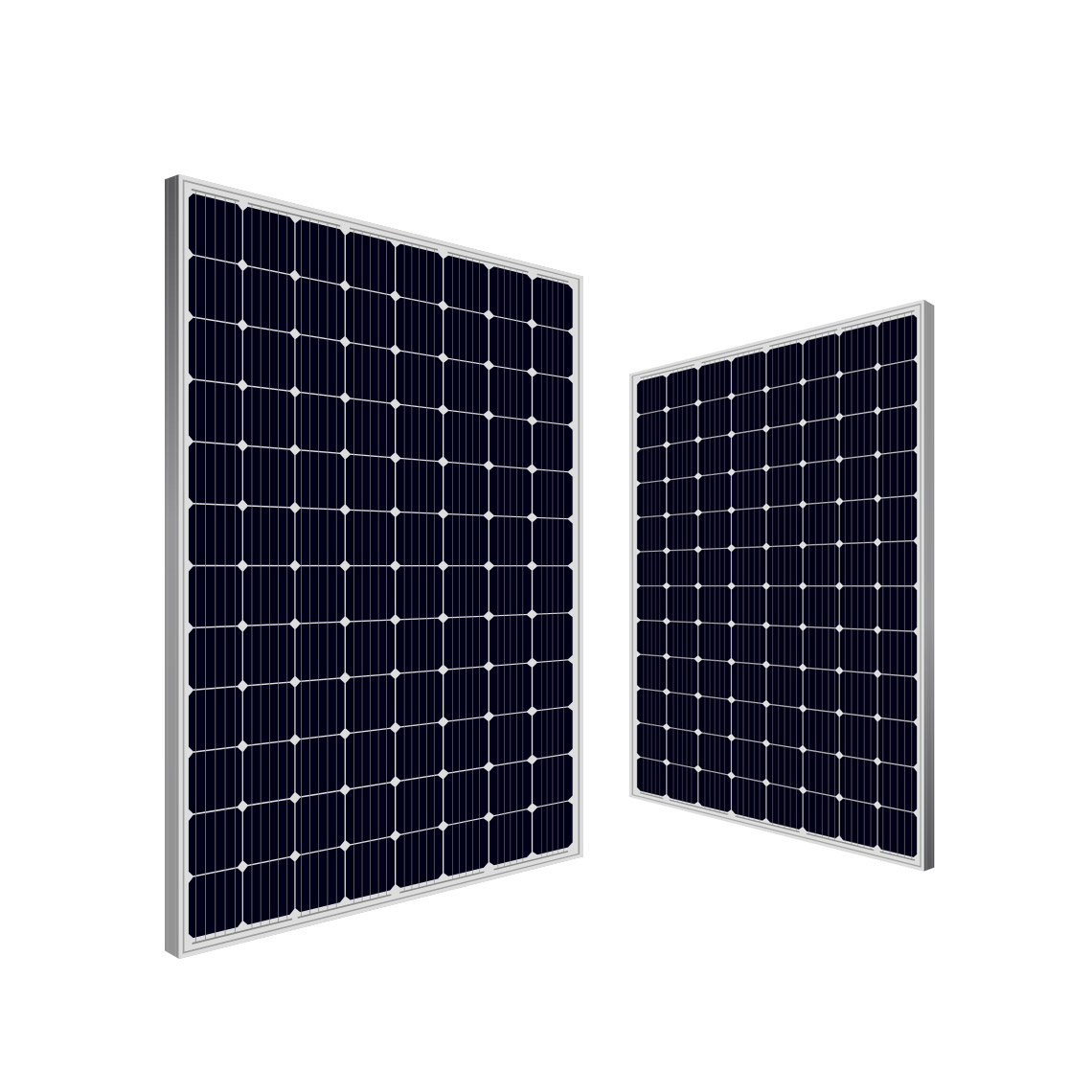 Solar panel
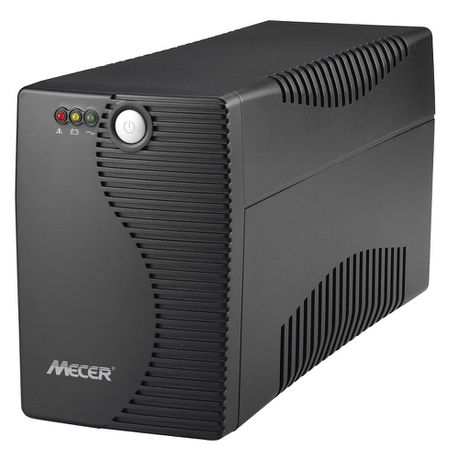 Ups
Ups

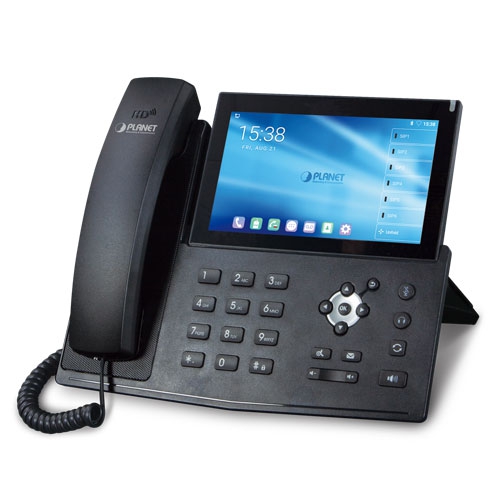 IP Phone
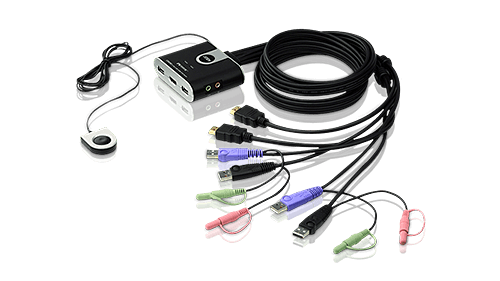 KVM Products
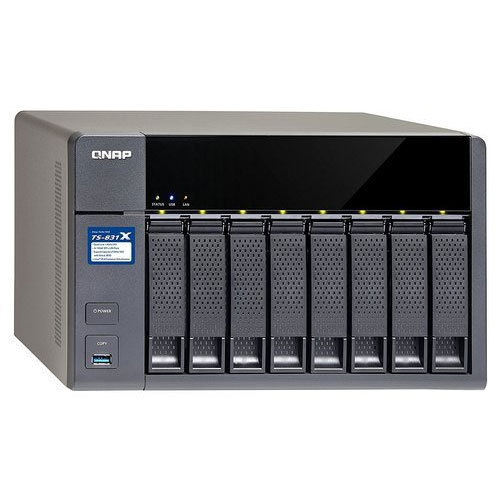 NAS Storage
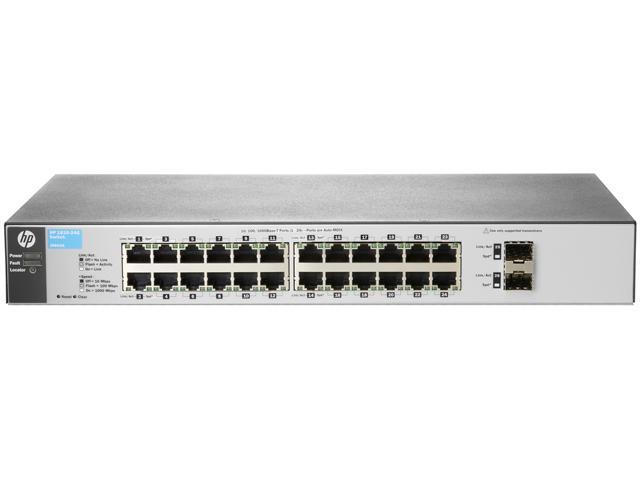 Network Switch
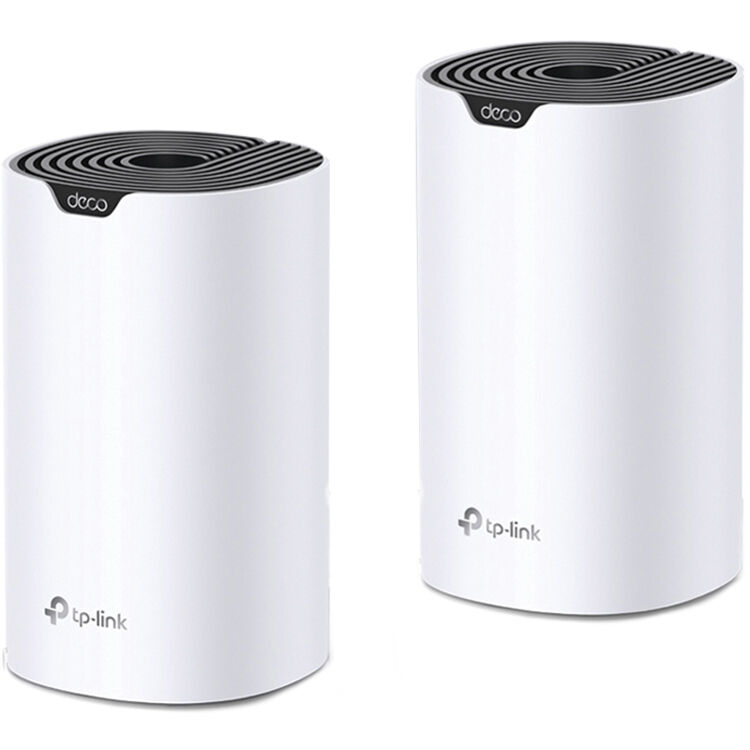 Network Wireless
 Routers 3G|4G|LTE
 Routers WiFi
 Routers ADSL|VDSL

 Software Office
 Antivirus
 Software Operating System
 Software Other


JUA165C Android? USB? to HDMI? Display Adapter
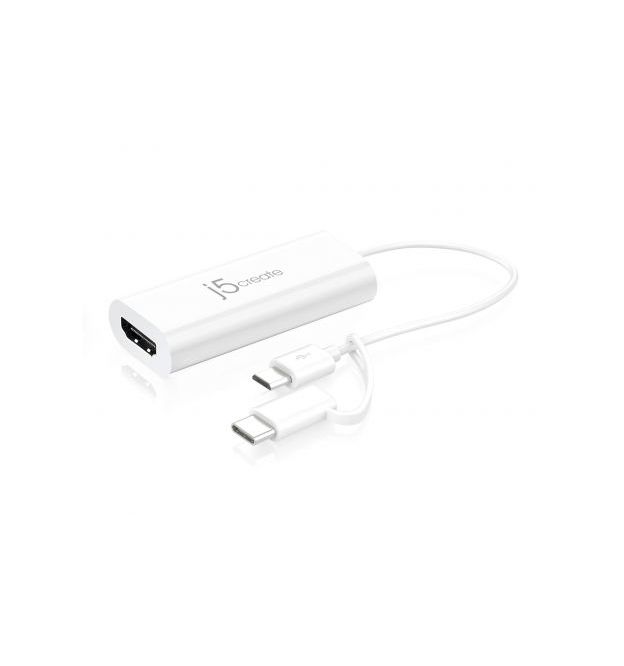


JUA165C Android? USB? to HDMI? Display Adapter
The JUA165C Android USB to HDMI Display Adapter, acts as an external video card for your Android mobile phone. It allows you to add an additional monitor/display through your USB Micro-B port or Type-C Port. Simply load the j5 Display Adapter App from the Google Play Store, plug the adapter into the USB Micro-B port or Type-C port, then plug the HDMI monitor cable into the adapter and you are ready. With plug & play functionality between your Android mobile phone and second monitor, you will be able to create a new visual environment in seconds.
Interface | |
Host Interface | USB Micro-B or Type-C Connector |
Video Interface | HDMI Female Connector |
Power | |
Power Mode | Bus-powered |
Power Consumption | ?300mA |
Physical Specifications | |
Housing Material | Plastic ABS |
Dimensions | Main body: 68 (W) x 26 (H)x 15 (D) mm 2.7 (W) x 1.0 (H) x 0.6 (D) mm Cable length: 5.9 in. (150 mm) |
Weight | Approximately 0.04 lbs (22g) |
System Requirements
- Compatible with Android 5.0 and higher
- Available USB Micro-B or Type-C port
- Download the j5 Display Adapter App
NOTE:
Download the j5 Display Adapter App onto your phone to use this device.
Package Contents
- JUA165C Android USB to HDMI Display Adapter
- Quick Installation Guide
Please sign in so that we can notify you about a reply