








 Battery
 Battery Box
 Inverters
 Inverters With Batteries
 Powerbank
 Solar panel
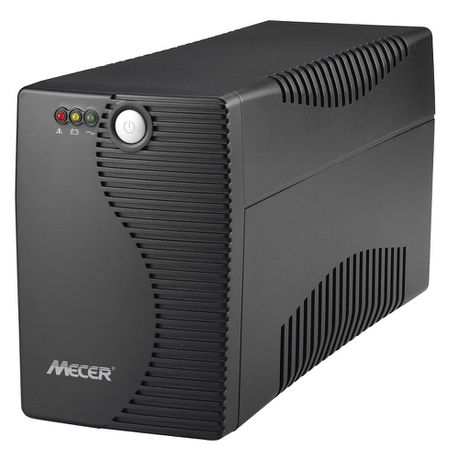 Ups
Ups

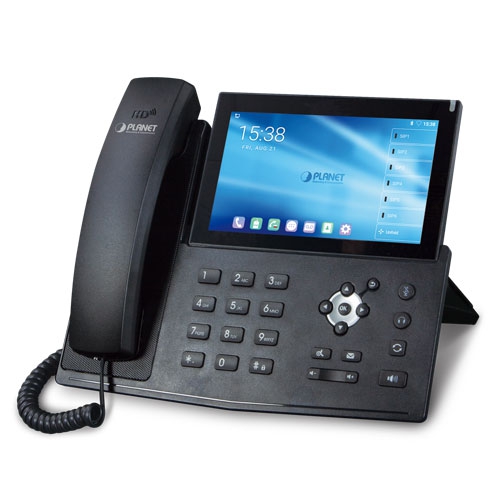 IP Phone
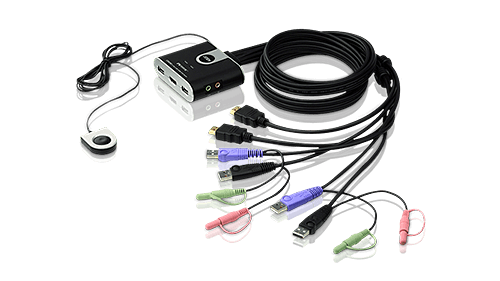 KVM Products
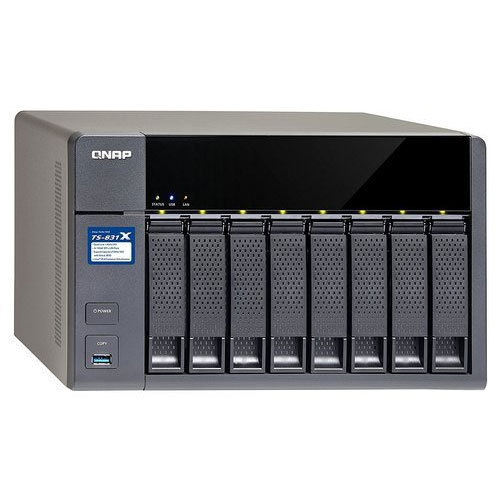 NAS Storage
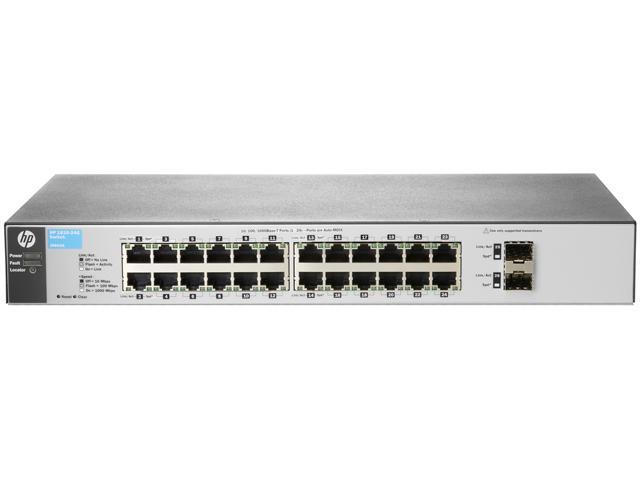 Network Switch
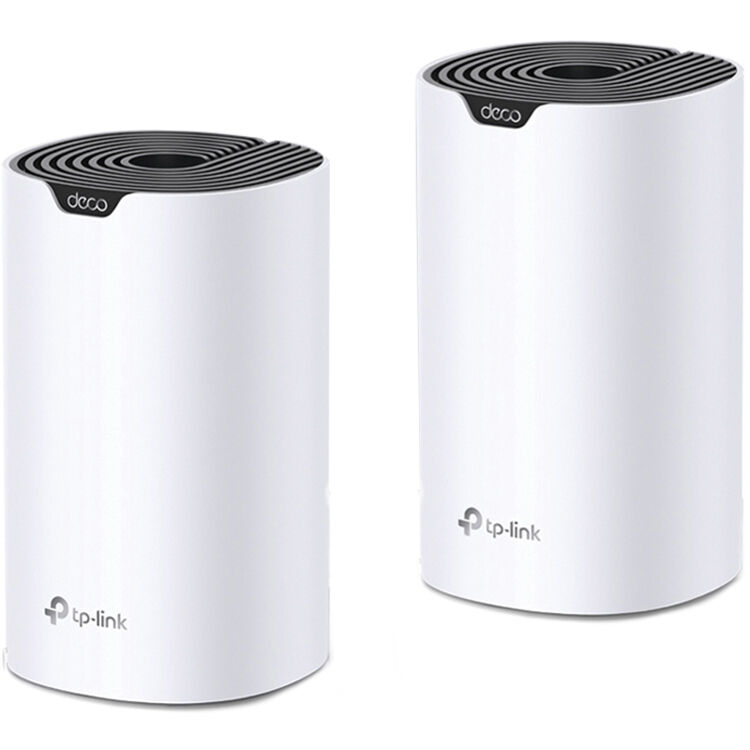 Network Wireless
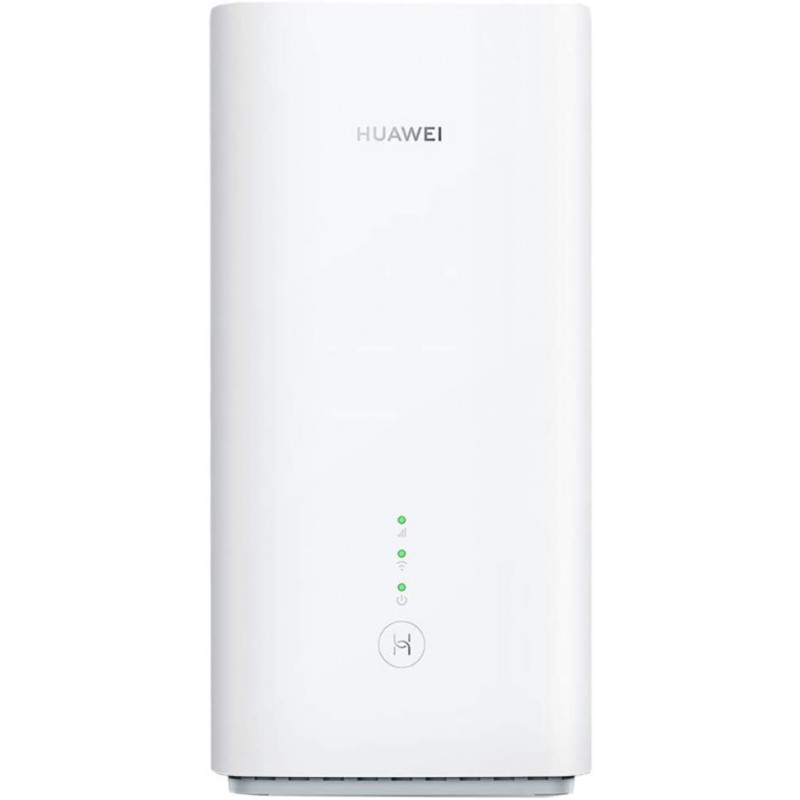 Routers 3G|4G|LTE
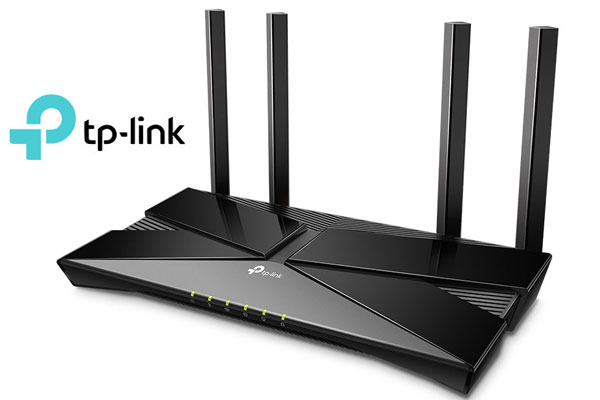 Routers WiFi
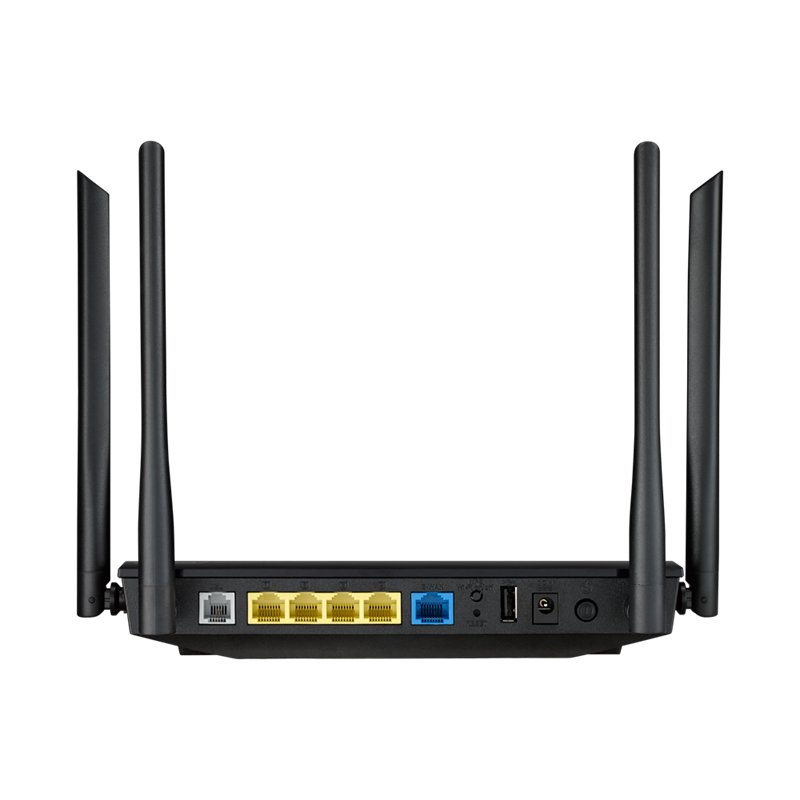 Routers ADSL|VDSL

 Software Office
 Antivirus
 Software Operating System
 Software Other




APC UPS Network Management Card 3 with PowerChute AP9640
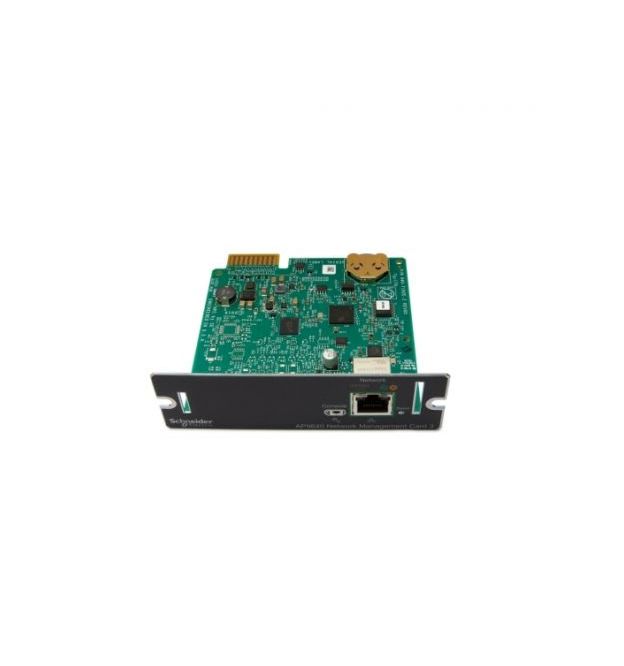


APC UPS Network Management Card 3 with PowerChute Network Sh
AP9640 Features
UPS Network Management Card 3
Remote monitoring and control of an individual UPS by connecting it directly to the network.
Includes: USB cable, User manual

- BACnet/IP Support for Smart-UPSSupports reporting UPS information to Building Management Systems or other third party management systems via BACnet/IP (BTL certified) (Single Phase Smart-UPS only)
- Command line interface Offers simultaneous remote management access through Telnet and SSH
- Compatible with Smart-UPSCompatible with Smart-UPS. For complete list of supported Smart-UPS, please refer to FAQ ID br /a href="https://www.apc.com/us/en/faqs/index?page=content&id=FA237786"FA237786./a
- Device EncryptionSecurely connect via HTTPS/SSL, SSH (up to 2048-bit encryption), SNMPv3
- Gigabit Ethernet SupportSupports faster Communication at 1 Gbps (Gigabit per second) over Network.
- IPv6 SupportCapable of operating on a network using IPv6 protocol
- Micro-USB based Console SupportFor faster and easier Troubleshooting and Configuration.
- Modbus TCP SupportSupports reporting UPS information to Building Management Systems or other third party management systems via Modbus TCP.
- Multiple language supportWeb browser interface available in English, French, Russian, Chinese, Japanese, Korean, German, Italian, Spanish, Portuguese
- Multiple user accessSupports simultaneous web browser access for up to 8 users and network command line interface access for up to 3 users
- Root of Trust SupportSupports Secure Boot with Root of Trust for enhanced Security.
- Smart Battery Management SupportDetailed battery information including battery cartridge parameters provides early-warning fault analysis to simplify management of the entire battery system (SRT Smart-UPS only).
- Standard UPS RFC 1628 MIB CompatibleMake UPS information available to your preferred network, server or enterprise management system by forwarding SNMP traps (events) using RFC 1628 MIB.
- UPS Firmware UpdateUser friendly mechanism to remotely and seamlessly update UPS firmware via the web browser interface (SMX, SMT and SRT Smart-UPS only).
UPS Network Management Cards Features & Benefits
Total cost of Ownership
Browser Accessible
View the user interface with a browser. Provides quick access from anywhere on a secure network.
Flash upgradeable firmware
Install maintenance releases of firmware remotely using FTP.
Availability
Reboot equipment remotely
Saves dispatching technicians to remote locations.
Manageability
Integrates with StruxureWare Data Center Expert
An IT-ready, scalable access monitoring system that collects, organizes, and distributes critical alerts, surveillance video and key information, providing a unified view of complex physical infrastructure environments from anywhere on the network
Event logging
Pinpoint the timing and sequence of events leading up to an incident with the event log.
Notification
Be notified of problems to ensure crucial situations are dealt with in a timely manner.
Scheduled shutdown and reboot
Customize shut down and reboot of connected equipment and UPSs.
Data logging
Identify problematic trends before they escalate or export the data log for analysis.
Enterprise management system compatible
Make device information available to your preferred enterprise management system by forwarding SNMP traps (events) across SNMPv1 and SNMPv3 using the PowerNet MIB
Marketing features
Fault notification
Real-time event notification minimizes response times to critical physical infrastructure situations. Enables IT Administrators to reduce mean time to repair, improve efficiency, and maximize uptime.
Remote device management
Enable management of your UPS by connecting it directly to the network.
Protection
Multi-tier user access
Supports up to four access levels - Administrator, Device User, Read-Only User and Network-only User - with user name and password requirements.
Network Shutdown
Reliable network-based shutdown of multiple servers
Password security
User-selectable password with strong password rules and reset password mechanism.
Radius support
Use an existing radius server to securely authenticate, authorize, and account for your APC device.
Please sign in so that we can notify you about a reply