











 Battery
 Battery Box
 Inverters
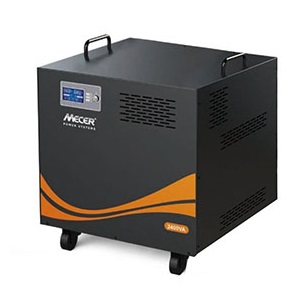 Inverters With Batteries
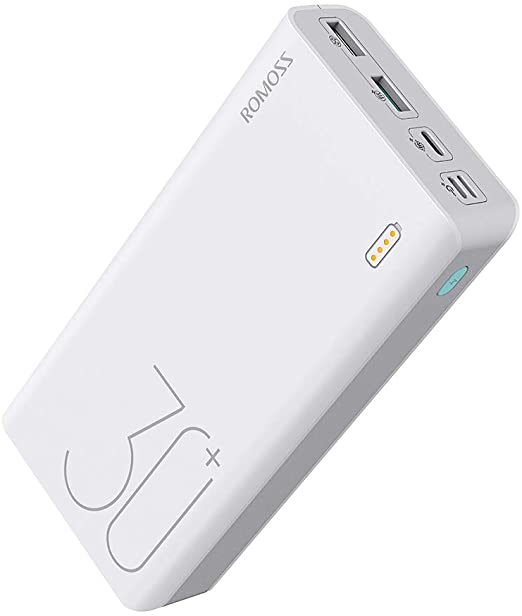 Powerbank
 Solar panel
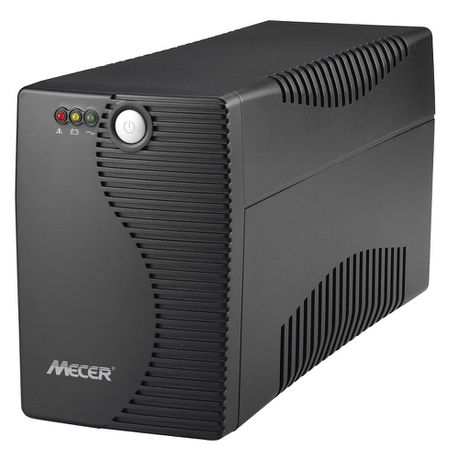 Ups
Ups

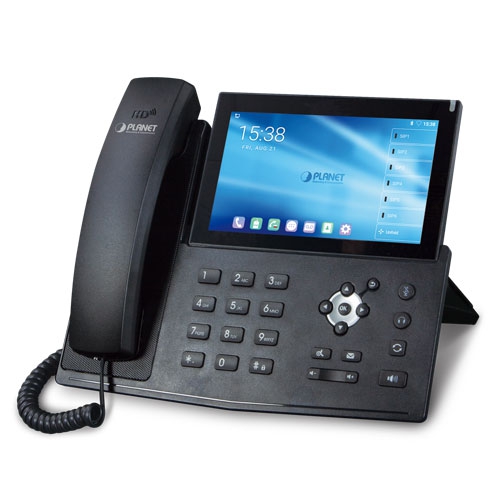 IP Phone
 KVM Products
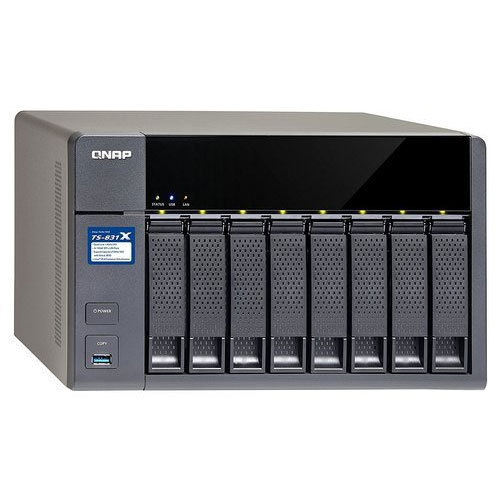 NAS Storage
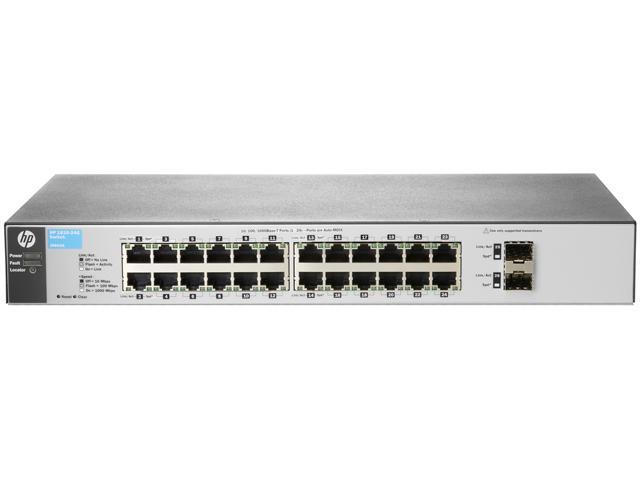 Network Switch
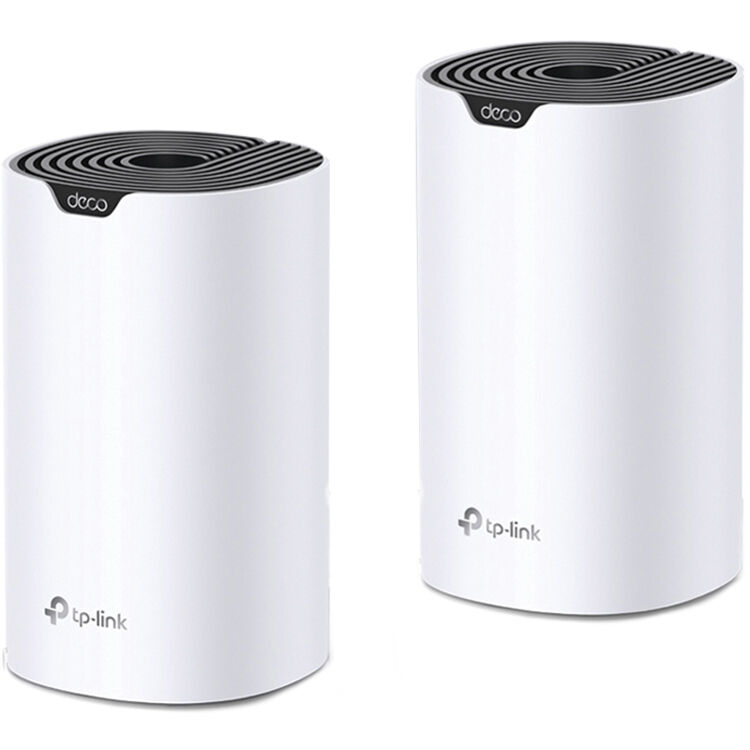 Network Wireless
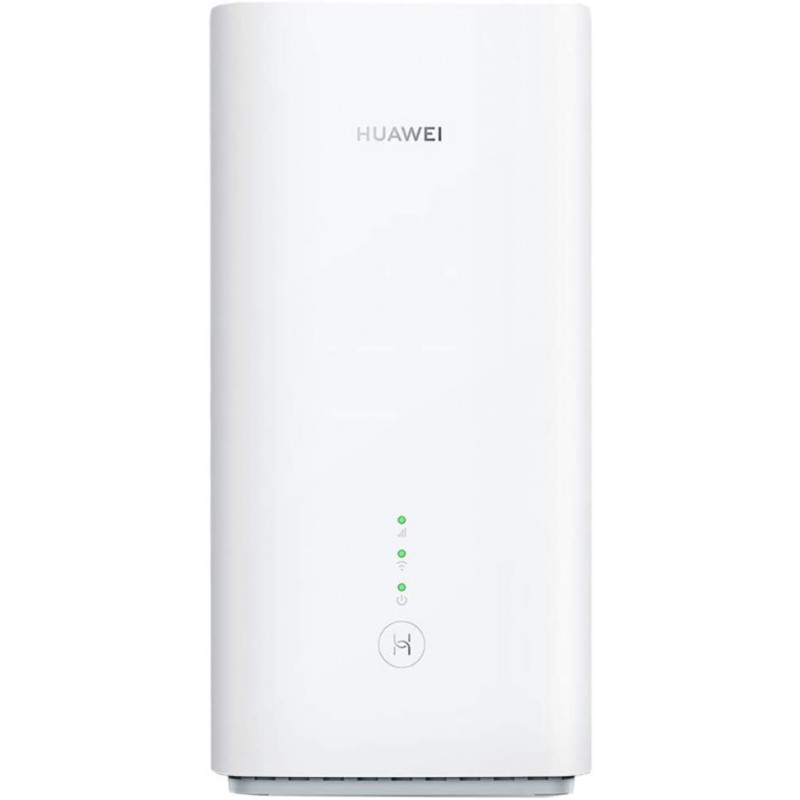 Routers 3G|4G|LTE
 Routers WiFi
 Routers ADSL|VDSL

 Software Office
 Antivirus
 Software Operating System
 Software Other




Microsoft Office 365 Home Premium/Family - 6 Users
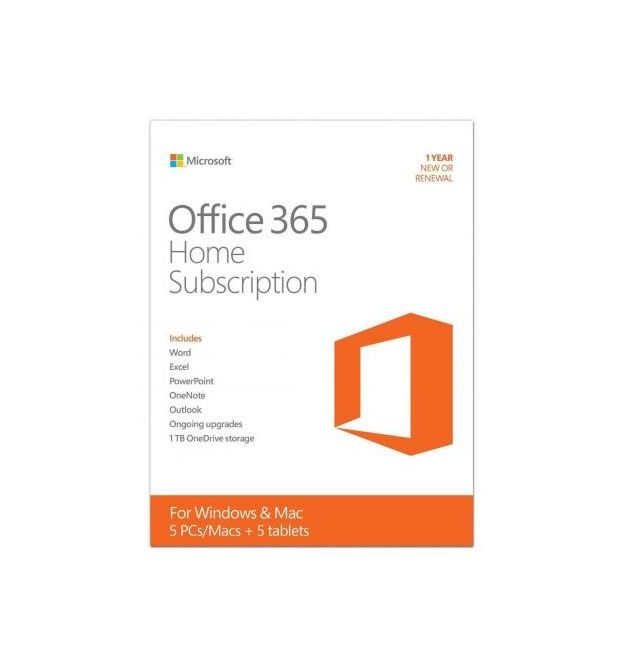


M/SOFT OFFICE 365 HOME PREM 32/64 BIT
Overview:
Experience Office when and where you need it
Welcome to the next generation of Office, a powerful service that keeps you connected whether you?re at home or on the go. Simply sign into Office 365 Home Premium (non-commercial use only) to open your applications, documents, and custom settings on any PC (PC running Windows 7 or 8 and Internet connection required). Combine Office with Windows 8 for the best experience yet, with even more ways to work the way you want. Best for families who want Office on up to 5 household PCs or tablets
Best for families who want Office on up to 5 household PCs or tablets:
Sign in to your Office account for full access to services, including
- A personalized Office experience on up to 5 PCs or tablets.
- Powerful new versions of Word, Excel, PowerPoint, Outlook, OneNote, Publisher, and Access.
- Streaming full versions of Office applications with Office on Demand (PC running Windows 7 or 8 and Internet connection required).
- Talk to anyone using Skype, including 60 minutes of free international calls every month to landlines in over 40 countries and to cell phones in 7 countries. (Skype account required. Excludes special, premium and non-geographic numbers.)
- Get an additional 20 GB of SkyDrive online storage for easy access and sharing of your documents.
- Office for Mac
Features:
- Office roams with you - Sign into your account and your applications, recent documents and settings are right there, just the way you left them.
- Getting started is even easier - The new Start experience helps you start documents more quickly with compelling new templates as well as a list of your recently viewed documents.
- Create beautiful documents - With new wide-screen templates and theme variants in PowerPoint, and the ability to edit PDF content in Word and add online video, it?s easy to bring documents to life.
- Get better insights from your data - Excel?s new Quick Analysis Lens, Recommended Charts, and Chart Animations make it easy to see the meaning in the numbers.
- Anywhere access to your documents - With your documents saved in the cloud on SkyDrive, a home budget or to-do list is easy to access and share on the fly.
- Work together more easily - Simplify group projects and assignments with easy access to shared documents, comments, and recent changes.
- Office when you need it - When you?re away from your computer, stream a full-featured version of Office on any Internet-connected PC with Office on Demand (PC running Windows 7 or 8 required).
- Add media to inspire interaction - Simply drag and drop pictures, videos, links, and more media to make school and personal projects more compelling.
- Store notes and information in one place - Capture and organize a wide variety of information in OneNote?notes, pictures, webpages, voice memos, and other media.
- Experience Office at its best on - Windows devices Capture your ideas however you work best?using a keyboard, pen, or a touchscreen (Windows 7 or 8 required).
- Easy annual subscription - Includes ongoing access to version upgrades, multiple device installs, and access to multiple languages.
System Requirements:
To get the full Office 365 experience, we recommend that customers meet our system prerequisites. Minimum requirements for Office 365 include Office 2007+, IE 8+ and Windows 7 (see full requirement list below).
Operating system requirements:
- Windows 8
- Windows 7
- Mac OS X 10.5 (Leopard), 10.6 (Snow Leopard), 10.7 (Lion)
- Windows Server 2012
- Windows Server 2008
- Support Ending
- Windows Server 2003 on January 1, 2013
- Windows XP on January 1, 2014 (currently requires SP3)
- Windows Vista on January 1, 2014 (currently requires SP2)
Office client requirements:
- Office 2010 SP1 - Service Pack 1 must be deployed by June 1, 2012
- Office 2007 SP2 - Office 2011 for Mac and Outlook 2011 for Mac
- Outlook 2003 via POP and IMAP only - Get additional information about connecting to Office 365 via POP/IMAP and Outlook 2003.
- .NET 2.0 or later
- Lync 2010
- Support Ending
- Office 2008 for Mac on April 9, 2013
- Entourage 2008 Web Services Edition on April 9, 2013
- Outlook 2003 on April 8, 2014
Browser requirements?Administration Center and My Company Portal:
- Internet Explorer 8 or above
- Latest Firefox ?Release? version
- Safari 5 or above
- Latest Chrome ?Stable? version
- Support Ending
- Internet Explorer 7 on October 1, 2012
- Safari 4 on October 1, 2012
- Note: Outlook Web App also has a light version that supports a reduced set of features across almost any browser
Active Directory:
- In order to use the optional directory sync and identity federation capabilities, your business's Active Directory must be a single forest.
- Note for Mac users: At this time Communicator for Mac 2011 will not work with Office 365. See FAQ for additional information about Mac-related system requirements.
- Note regarding Office Professional Plus in Office 365: Office Professional Plus is not designed to install on servers or virtualized platforms. Microsoft does not provide technical support services for customer and Partner issues related to the installation or use of Office 365 in a virtual environment, Windows Server Remote Desktop, or other terminal service platforms.
- Note regarding Outlook: Personal Archive and retention policies vary between licenses. Find more information here.
ÿ