



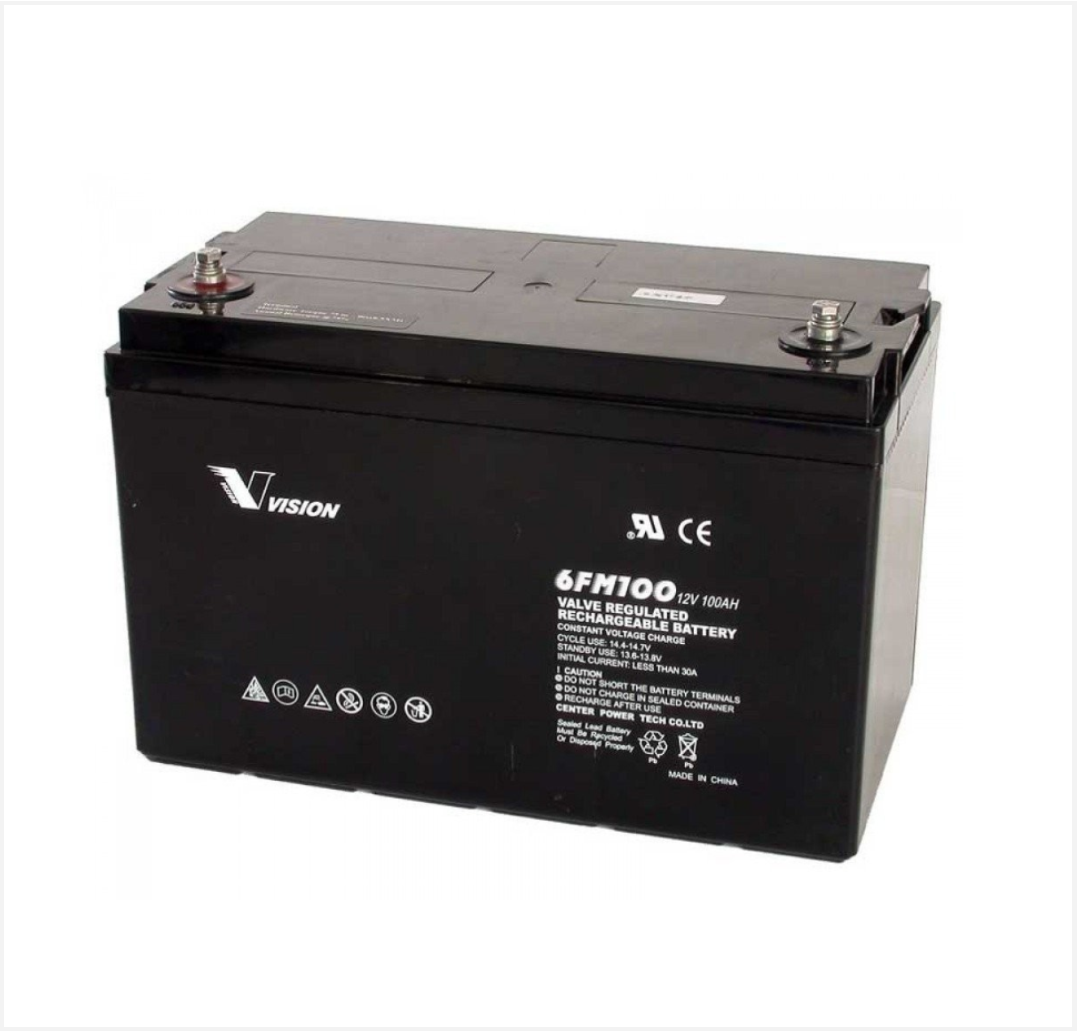
 Battery
 Battery Box
 Inverters
 Inverters With Batteries
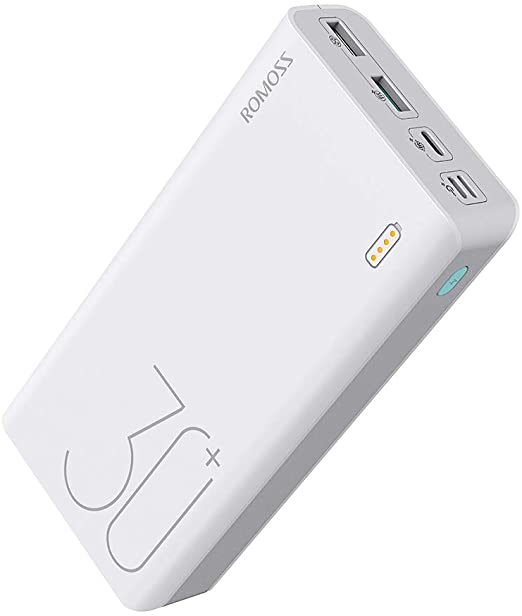 Powerbank
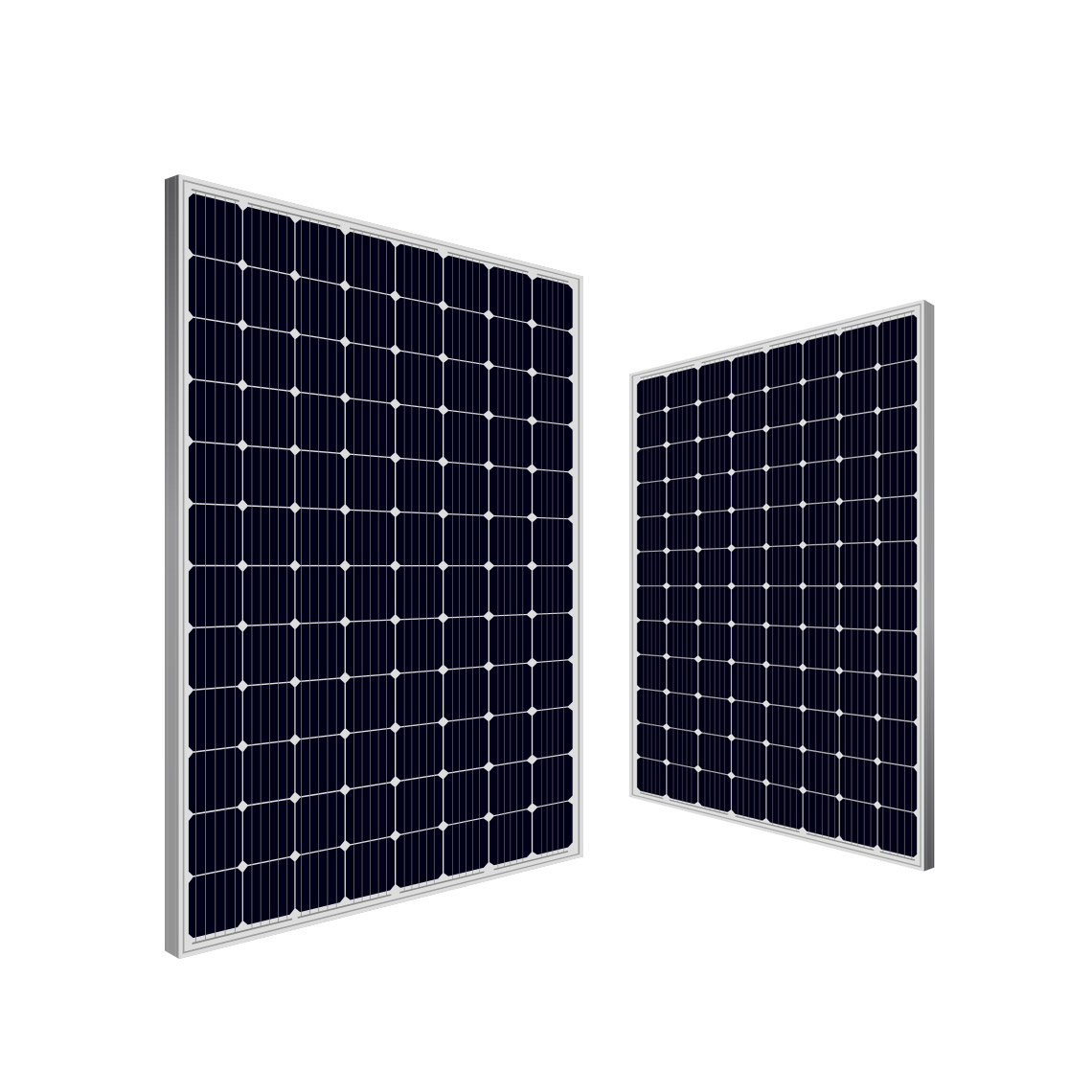 Solar panel
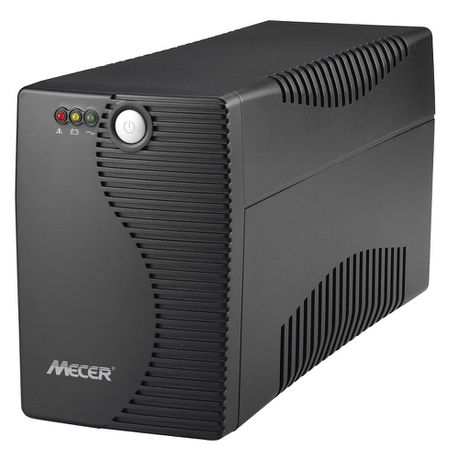 Ups
Ups

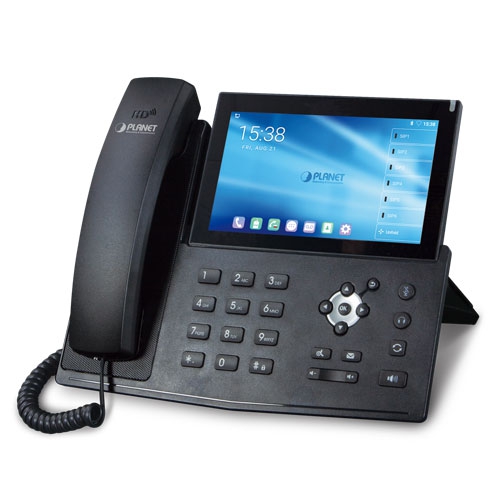 IP Phone
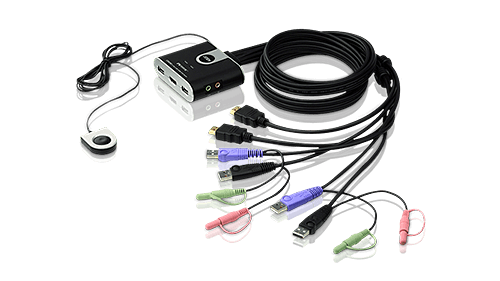 KVM Products
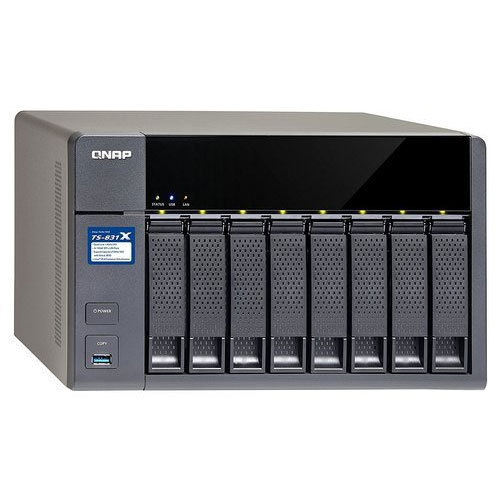 NAS Storage
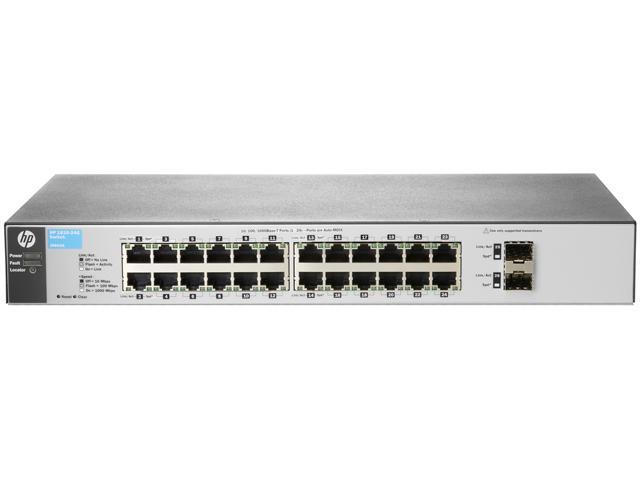 Network Switch
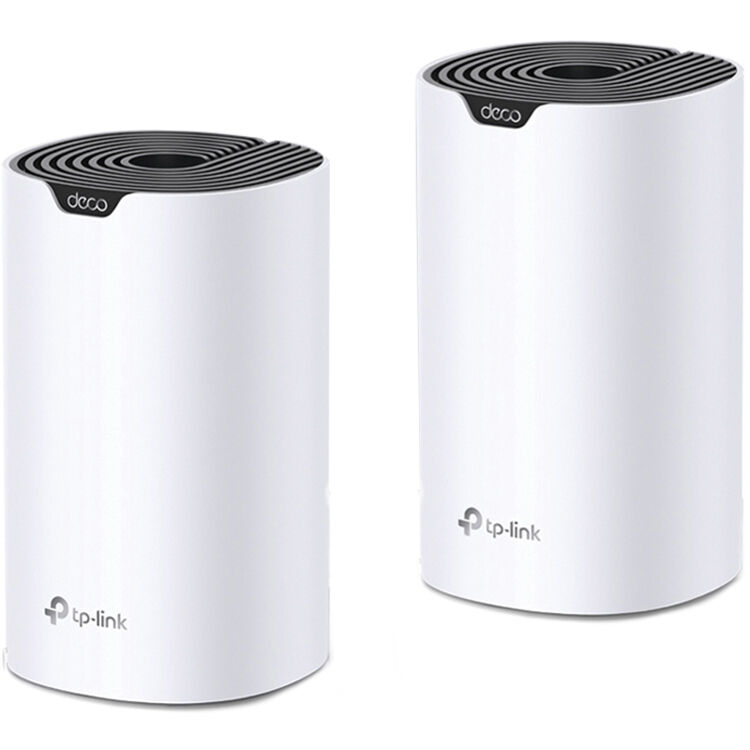 Network Wireless
 Routers 3G|4G|LTE
 Routers WiFi
 Routers ADSL|VDSL

 Software Office
 Antivirus
 Software Operating System
 Software Other


Microsoftô¸ Windows Vista "Ultimate" Edition - DSP DVD Software - 32Bit - Single Desktop License


Microsoft
User Experience
Windows Vista introduces a breakthrough user experience and is designed to help you feel confident in your ability to view, find, and organize information and to control your computing experience.
The visual sophistication of Windows Vista helps streamline your computing experience by refining common window elements so you can better focus on the content on the screen rather than on how to access it. The desktop experience is more informative, intuitive, and helpful. And new tools bring better clarity to the information on your computer, so you can see what your files contain without opening them, find applications and files instantly, navigate efficiently among open windows, and use wizards and dialog boxes more confidently.
Ease of use
When you start using Windows Vista, you will recognize familiar elements such as the Start menu, which is now faster, more streamlined, and more helpful than in previous versions of Windows. The Start menu features integrated desktop search through a new feature called Instant Search which can help you find and launch almost anything on your PC. Just type in a word, a name, or a phrase, and Instant Search can find the right file for you. But more than that, the new start menu makes it very easy for you to navigate across all of the installed applications on your PC. Eliminating the slow performing, cascading "All Programs" view, the new start menu can help you get something started more quickly than ever.
Use Instant Search to quickly find the information you need.
Explorers
The new Explorers are powerful yet easy-to-use tools for working with files consistently across Windows Vista. Explorers give you more information and control while simplifying how you work with your files. The experience is easy and consistent, whether you're browsing photos or documents or even using the new Control Panel.
The new Document Explorer makes working with your files a snap. Find your files more quickly with the new Live Icon feature, and see what they contain without having to open them.
Key elements of the Explorers in Windows Vista are designed to help you get to the information you need, when you need it. Instant Search is always available to help you find files instantly. The navigation pane contains the new Search Folders found in Windows Vista, as well as traditional folders that you have created on your computer. Command Bars display only the tasks that are most appropriate for the files being displayed. With new Live Icons (scalable thumbnails) used throughout Windows Vista, you can see the first page of documents, the actual image of a photo, or the album art for individual songs in your music collection, making it easier to find exactly what you are looking for.
Type keywords into the Instant Search box in the new Control Panel to find the right system setting quickly.
Windows Aero
Windows Vista is the first Windows operating system that has a user experience that can gracefully scale to the hardware capabilities of the computer it is installed on. All computers that meet minimal hardware requirements will see the Windows Vista Basic user experience, which provides the benefits of the refined interface features already mentioned.
Windows Vista Aero provides spectacular visual effects such as glass-like interface elements that you can see through.
Windows Aero is an environment with an additional level of visual sophistication, one that is even more responsive and manageable, providing a further level of clarity and confidence to Windows users.
Live taskbar thumbnails
Resting the mouse pointer over a taskbar item displays a live thumbnail of the window, showing the content of that window. The live thumbnail is displayed whether the window is minimized or not, and whether the content of the window is a document, photo, or even a running video or process.
See thumbnail views of the items in your taskbar by resting your mouse pointer on them.
Windows Flip and Windows Flip 3D
Windows Vista provides two entirely new features to manage windows: Windows Flip and Windows Flip 3D. Flip allows you to flip through open windows (by using Alt+Tab), providing a live thumbnail of each window, rather than just a generic icon and file name. Live thumbnails make it easier to quickly identify the window you want, particularly when multiple windows of the same kind are open. With Flip 3D, you can use the scroll wheel on your mouse to flip through open windows in a stack, and quickly locate and select the one you want to work with.
ÿÿÿÿÿÿÿÿÿÿÿÿÿÿÿÿÿÿÿÿÿÿÿÿÿAdvances in Windows Update
Windows Update not only makes updating your computer easy?it updates without interfering with your work.
Easy: Windows Update in Windows Vista can automatically download and install both important and recommended updates. Previously, only updates classified as important could be installed automatically, and users had to manually select and download other available updates.
Less disruptive: Updating occurs in the background, and you have flexible options to choose from to complete the process. If an update requires a restart to complete installation, you can schedule this for a time when it won't disrupt your work. You can also postpone a previously scheduled restart if the time isn't convenient for you. Additionally, if your computer is in standby mode at the time you've configured it for automatic updating, Windows Vista will wake it up in order to install the updates at the specified time to help ensure that your computer stays up to date.